- Overview
- API Usage
- Bulk Actions
- Clients
- Comparison
- Event De-Duplication
- FAQ
- Filtering & Searching
- Getting Started
- Integrations
- Log Levels
- Managing Stacks
- Manual Stacking
- Notifications
- Project Settings
- Reference Ids
- Security
- Self Hosting
- User Sessions
- Versioning
Notifications
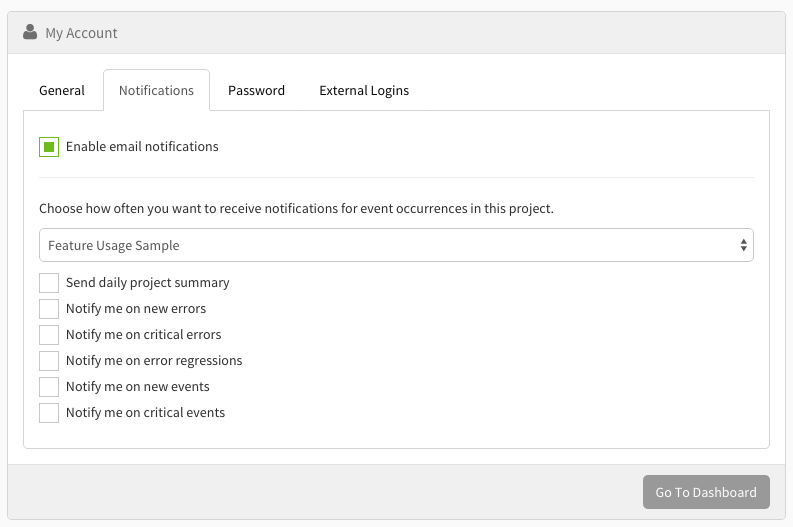
To turn on email notifications, go to "My Account" in your dashboard, then click on the "Notifications" tab.
Once you're in there, you can select the project you want to edit notifications to, and then select which notifications you want to receive for that selected project.